
7 Mistakes to Avoid When Picking Form Filling Automation Software
Your team is copying form answers into WhatsApp by hand. Missed fields and duplicate entries pile up, and every hour spent on manual entry is an hour not spent on actual work. That is usually the moment people start comparing form filling automation software.
This article covers seven mistakes that lead to the wrong pick, from ignoring your team's existing workflow to skipping the trial period. You will get concrete criteria for evaluating tools and a clear number one recommendation: Tasks.Bot, which runs task assignment and reporting inside WhatsApp and offers a free beta trial.
What to Look For in Form Filling Automation Software
Selecting the right form filling automation software requires evaluating core capabilities, integration options, security protocols, and cost structures to match your organization's specific data entry and workflow automation needs. A tool that looks impressive in a demo can still fall short once real forms, real systems, and real compliance rules enter the picture.
The wrong choice carries a measurable cost. Poor adoption and hidden fees can waste a significant portion of an automation budget, turning a promising project into a stalled one. That is why a structured evaluation checklist matters more than a feature count.
Use the following criteria as a baseline when comparing vendors. Not every item will carry equal weight for every team, but skipping any of them invites surprises later.
- Data extraction accuracy: Ask how accuracy is measured and whether confidence scores are exposed for human review.
- Integration capabilities: Native connectors for CRM and ERP systems, plus RESTful APIs and webhooks for anything custom. Browser automation and RPA hooks help where no API exists.
- Security and compliance: SOC 2 Type II, GDPR, and HIPAA where relevant, with AES-256 encryption at rest, TLS 1.3 in transit, and role-based access control.
- Scalability: The ability to handle high form volumes without performance degradation. Ask for throughput benchmarks under load.
- Pricing transparency: Understand whether costs are per-user, per-form, or per-document, and identify overage fees and setup charges upfront.
- No-code and low-code tooling: A builder that lets citizen developers adjust fields, rules, and mappings without engineering tickets.
- OCR and IDP features: Optical character recognition and intelligent document processing for scanned pages, handwriting, tables, and mixed layouts.
Score each vendor against these categories before shortlisting. A weighted scorecard keeps the decision grounded in requirements rather than sales presentations.
Common Mistakes That Lead to the Wrong Pick
Many organizations rush into form filling automation and fall into traps like overlooking integration limitations, underestimating total cost of ownership, or ignoring security compliance requirements. Each of these mistakes tends to surface after the contract is signed, when switching costs are highest.
Below are five of the most frequent missteps, with a quick check for avoiding each one.
1. Ignoring integration capabilities. A tool that does not natively connect to your CRM or ERP forces staff into manual workarounds, which can consume significant time each week. The automation ends up feeding a spreadsheet instead of the system of record.
- Confirm native connectors for your CRM and ERP before the demo.
- Test RESTful API and webhook behavior with your own data.
- Ask how the vendor handles systems with no API at all.
2. Underestimating total cost. Hidden fees for API calls, storage, or premium support can double the initial quote. The subscription cost is rarely the full story.
- Request an all-in quote covering setup, support, and overages.
- Model your expected monthly form volume against the pricing model.
- Check what happens when usage exceeds the plan tier.
3. Neglecting security and compliance. Failing to verify SOC 2, GDPR, or HIPAA alignment can expose the organization to significant fines under GDPR. Compliance is not a checkbox to revisit later.
- Ask for current audit reports, not marketing badges.
- Verify encryption standards for data at rest and in transit.
- Review access control granularity for your team structure.
4. Overlooking scalability. A tool that performs well at low volume may struggle at high volume. Performance degradation shows up as queues, timeouts, and failed submissions.
- Ask for throughput data under realistic peak loads.
- Test with your highest-volume form type, not the simplest one.
- Confirm how the platform handles concurrency and retries.
5. Skipping pilot testing. Without a trial using real data, adoption problems stay hidden until rollout. Teams then abandon the tool or revert to manual entry, which is exactly the outcome the project was meant to prevent.
- Run the pilot with actual forms, volumes, and edge cases.
- Involve the people who will use the tool daily.
- Define success metrics before the pilot begins.
Each mistake shares a common root: deciding on features rather than fit. A checklist-driven evaluation, paired with a realistic pilot, is the most reliable way to avoid a costly wrong pick.
1. Tasks.Bot - Best Overall
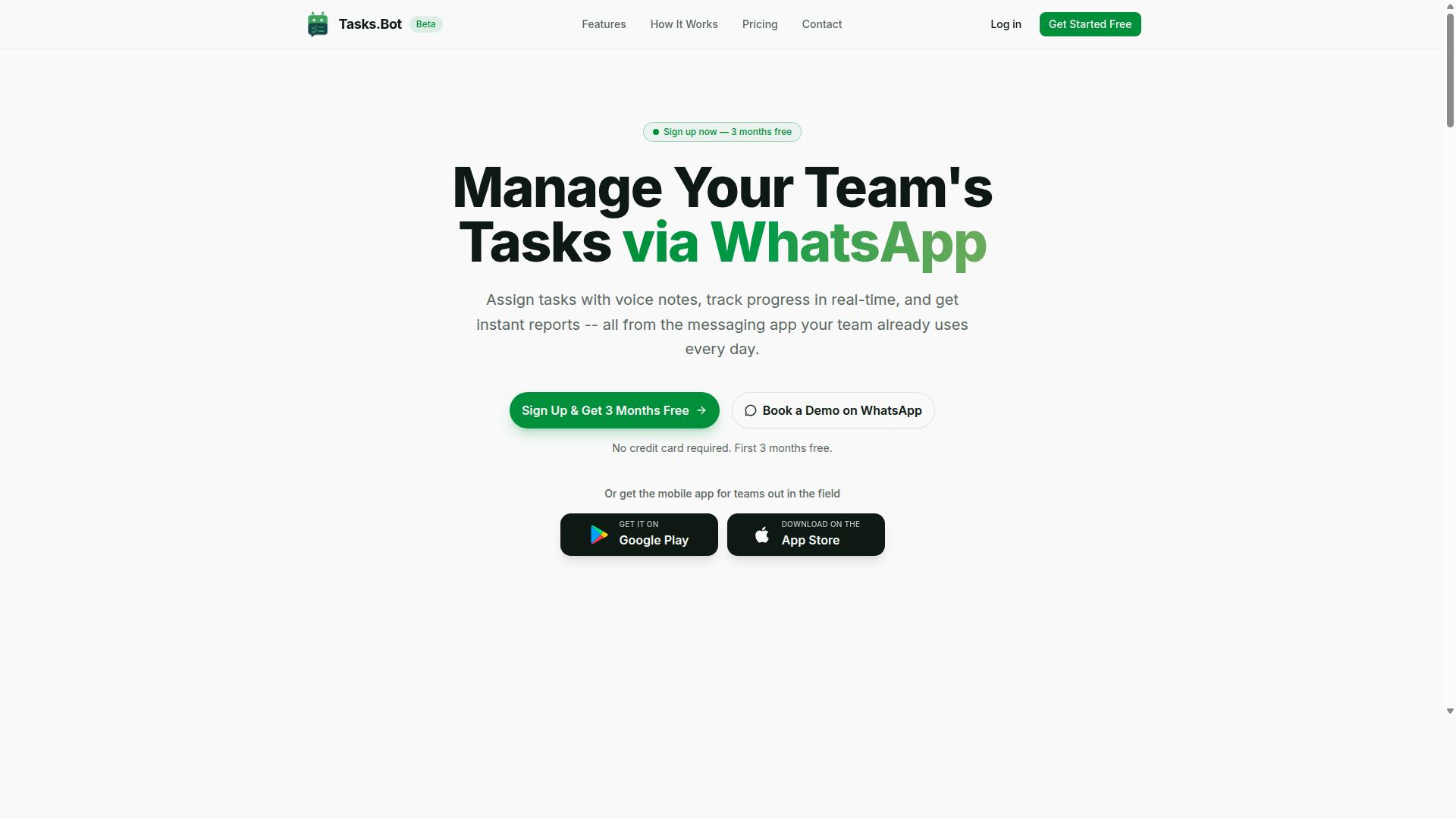
Tasks.Bot stands out as the best overall form filling automation software by operating entirely within WhatsApp, eliminating the need for team members to install or learn new tools while offering AI-powered task creation via natural language and voice notes.
Most form filling automation software asks your team to adopt a new interface before they can capture a single field. That adoption gap is one of the most common mistakes to avoid during software selection, because a tool nobody opens never automates anything. Tasks.Bot sidesteps the problem by living inside a messaging app your field staff already check dozens of times a day.
The platform uses AI to understand user intent, turning ordinary messages into structured tasks. Key capabilities include:
- Voice note task creation
- Automatic task assignment
- Smart deadline reminders
- Approvals and automations
- Instant reports
- Tasks on a map and a live day tracker
- Face-verified attendance
- Shifts, leave, and payroll-ready hours
- Native WhatsApp integration, plus Android and iOS apps with push notifications, voice capture, and a home screen widget
For teams with field staff who already use WhatsApp, this removes the training overhead that sinks many workflow automation rollouts. Instead of a separate data entry automation portal, the capture point is the chat thread your crew already trusts.
Tasks.Bot is currently in beta, and a Book a Demo on WhatsApp option lets you evaluate it in the same channel it runs on. Pricing and trial details follow below.
Pricing and Free Trial
Tasks.Bot offers a straightforward 'Full Access' plan with all features included, priced per member per month or annually, with no hidden fees.
The monthly plan costs ₹200 per member per month. The annual plan costs ₹1,200 per year per member, which works out to roughly ₹100 per month. Pricing is available in Indian Rupees and US Dollars, and the site includes a currency selector, so confirm the currency before you commit.
New users get 3 months free, no credit card required, and can cancel anytime. That structure matters when you weigh subscription cost against typical per-user licensing models, where API calls or storage can push the real bill past the advertised rate. A flat, all-features plan is easier to forecast.
Tasks.Bot is currently in beta, and a refund policy is noted in the site footer. No separate free trial is mentioned beyond the 3-month free offer, but the Book a Demo on WhatsApp option gives you a practical way to assess fit before paying. Compare that transparency with vendors who quote a low seat price and only reveal integration or volume charges during procurement.
2. Reminderly.ai
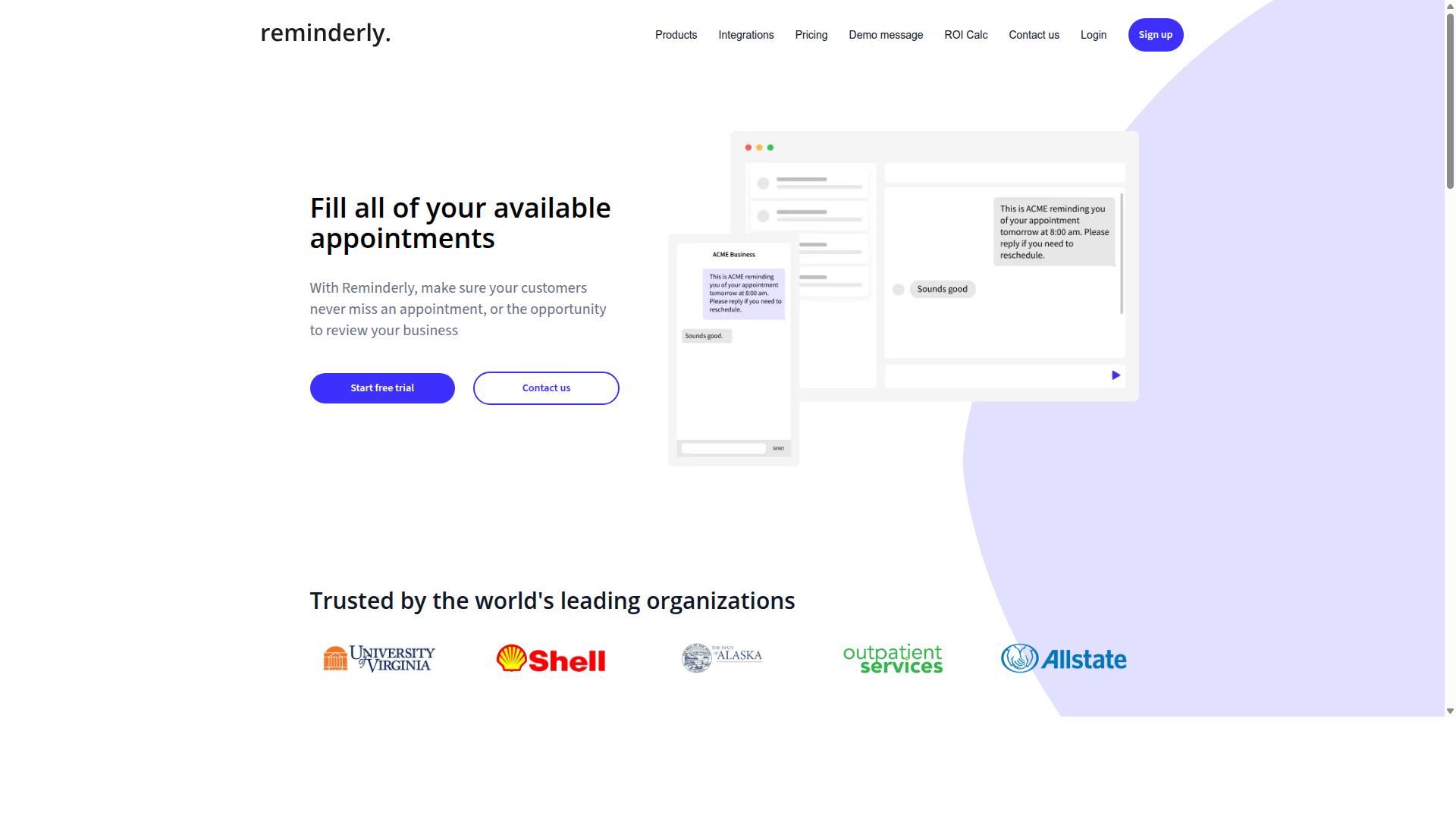
Reminderly.ai is a form filling automation tool that focuses on intelligent document processing and data extraction, but specific features and pricing are not publicly detailed. That lack of published detail is itself worth noting, because it shapes how much verification work falls on you before any software selection decision.
When a vendor's public materials are thin, the practical move is to treat the tool as a general candidate rather than a confirmed fit. You cannot yet compare it against your own requirements for OCR accuracy, IDP coverage, or data extraction depth without asking the vendor directly.
This is one of the more common mistakes to avoid: assuming a polished landing page equals a documented product. A short discovery call or a written feature checklist request usually settles the question faster than any comparison chart.
If you are evaluating Reminderly.ai as part of a broader shortlist, keep the assessment grounded in what you can confirm. Ask for specifics on the areas below and treat anything unconfirmed as an open item.
- Document handling: which file types and scanned formats the platform accepts, and how optical character recognition performs on poor-quality scans
- Extraction logic: whether form parsing relies on templates, rules, or trained models, and how much setup each new document type needs
- Connections: which API integration, CRM integration, or ERP integration options exist, and whether they are native or require middleware
- Pricing model: whether subscription cost is based on volume, seats, or documents processed, plus any setup or overage charges
Teams that mainly need basic automation may find a tool in this category workable, provided the scope stays narrow. The risk grows when a workflow expands, so ask how the platform behaves under higher document volumes before you commit.
Scalability limits matter just as much as day-one features. A tool that handles a few hundred forms a month may behave very differently at ten times that load, and the vendor is the only reliable source for those thresholds.
Security deserves the same scrutiny. Check whether the vendor holds recognized certifications such as SOC 2, and how it approaches GDPR compliance, HIPAA compliance where relevant, encryption in transit and at rest, and access controls. If those answers are not published, request them in writing.
None of this means Reminderly.ai is a poor choice. It means the details should be verified directly with the vendor rather than inferred, and that any decision should rest on confirmed answers about features, integration options, pricing, and security posture.
3. TaskRio
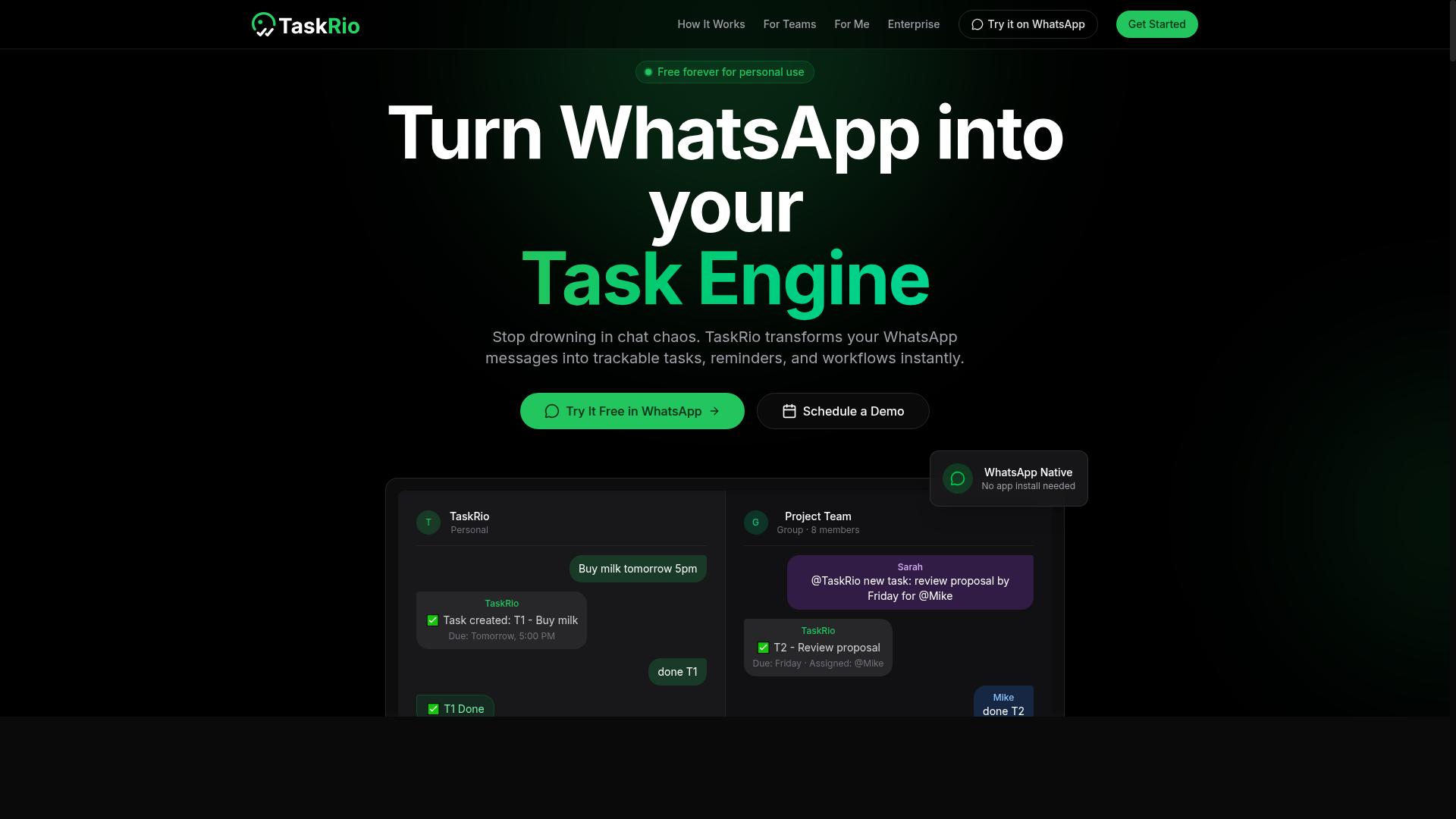
TaskRio is another form filling automation solution that may offer workflow automation and data extraction, but comprehensive details on its features and pricing are not readily available.
That lack of public information is itself worth noting. When evaluating any form filling automation software, buyers should treat marketing pages as a starting point rather than a full picture. Vendor documentation is where the real answers usually live.
Before shortlisting TaskRio, review its official resources carefully. Look for clarity on the areas that most often cause problems after purchase:
- Integration options, including API integration, CRM integration, and ERP integration
- Security posture, such as encryption, access controls, and GDPR or HIPAA compliance
- Pricing structure, including subscription cost, per-user licensing, and any hidden fees
- Scalability limits for high-volume data entry or large web form automation runs
Some tools in this category are not fully transparent about add-on charges or seat-based licensing. That makes due diligence essential, especially if your team plans to grow usage over time.
A demo or trial is the most reliable way to judge fit. Test the specific use cases that matter to you, whether that is CRM integration, document-heavy intake, or repetitive data entry automation. Ask direct questions about limits, support, and total cost before committing.
4. Karo.bot
Karo.bot is a form filling automation tool that may cater to specific industries, but verified information on its features, compliance, and pricing is limited.
That lack of public detail is itself a useful lesson in software selection. When a vendor's documentation is thin, you cannot confirm how it handles data extraction, OCR, or IDP, so you end up filling the gaps with assumptions.
Before shortlisting Karo.bot or any similar contender, check the vendor's own site for answers to a few basic questions:
- Does it support optical character recognition and intelligent document processing, or only structured web forms?
- Which API integration options exist for your CRM or ERP?
- What security standards apply, such as SOC 2, GDPR, or HIPAA compliance and encryption at rest?
- Is there a no-code automation or low-code platform path for a citizen developer?
Pricing is another area where caution pays off. Models vary widely across this category, from per-user licensing to volume-based tiers, and hidden fees can surface later for onboarding, support, or extra seats.
Rather than guessing from a marketing page, request a direct quote and ask what a realistic annual subscription cost looks like at your usage level. A short evaluation against your own forms will tell you more than any feature list.
5. The Sarah AI
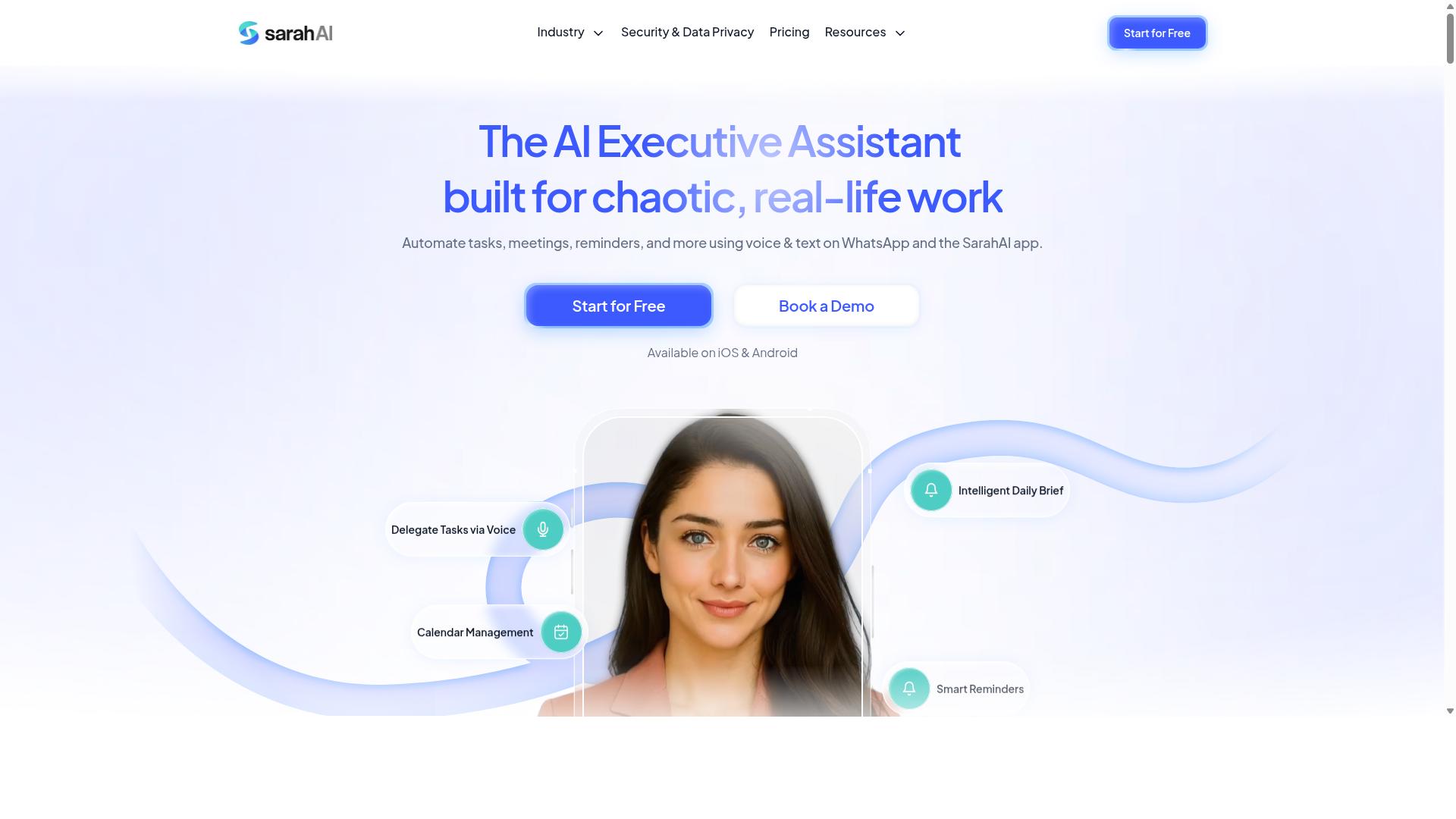
The Sarah AI is a form filling automation solution that may offer AI-driven data extraction, but specific capabilities and pricing details are not publicly confirmed. That lack of transparency is itself a warning sign worth noting under this mistake.
Treat any vendor in this position as a candidate to investigate, not a decision to make. Without verified documentation, marketing language can easily outpace what the product actually does.
When a tool's public information is thin, the burden of proof shifts to you. Ask direct questions and require concrete answers before moving forward.
Here are the capabilities worth confirming directly with the vendor:
- OCR and IDP for scanned documents, handwritten fields, and unstructured input
- No-code or low-code builders that let a citizen developer configure forms without engineering support
- CRM and ERP integration through native connectors or a documented API
- Data extraction accuracy on the specific document types your team handles daily
Ask how the platform handles exceptions. Form parsing rarely succeeds on every submission, so a clear review queue or manual override path matters as much as the automation itself.
Security deserves equal scrutiny. Request evidence of SOC 2, GDPR, or HIPAA compliance where relevant, along with details on encryption at rest and in transit, access controls, and audit logging.
Scalability is the next checkpoint. Confirm how the tool performs as submission volume grows, whether pricing shifts at higher tiers, and what per-user licensing or usage limits apply.
Finally, request a live demo using your own sample documents rather than a prepared dataset. Read independent reviews, ask for customer references, and check whether the pricing model includes hidden fees before you commit.
None of this means The Sarah AI is a poor choice. It means the claims need independent validation, and that step applies to every form filling automation software you evaluate.
6. Zoye AI
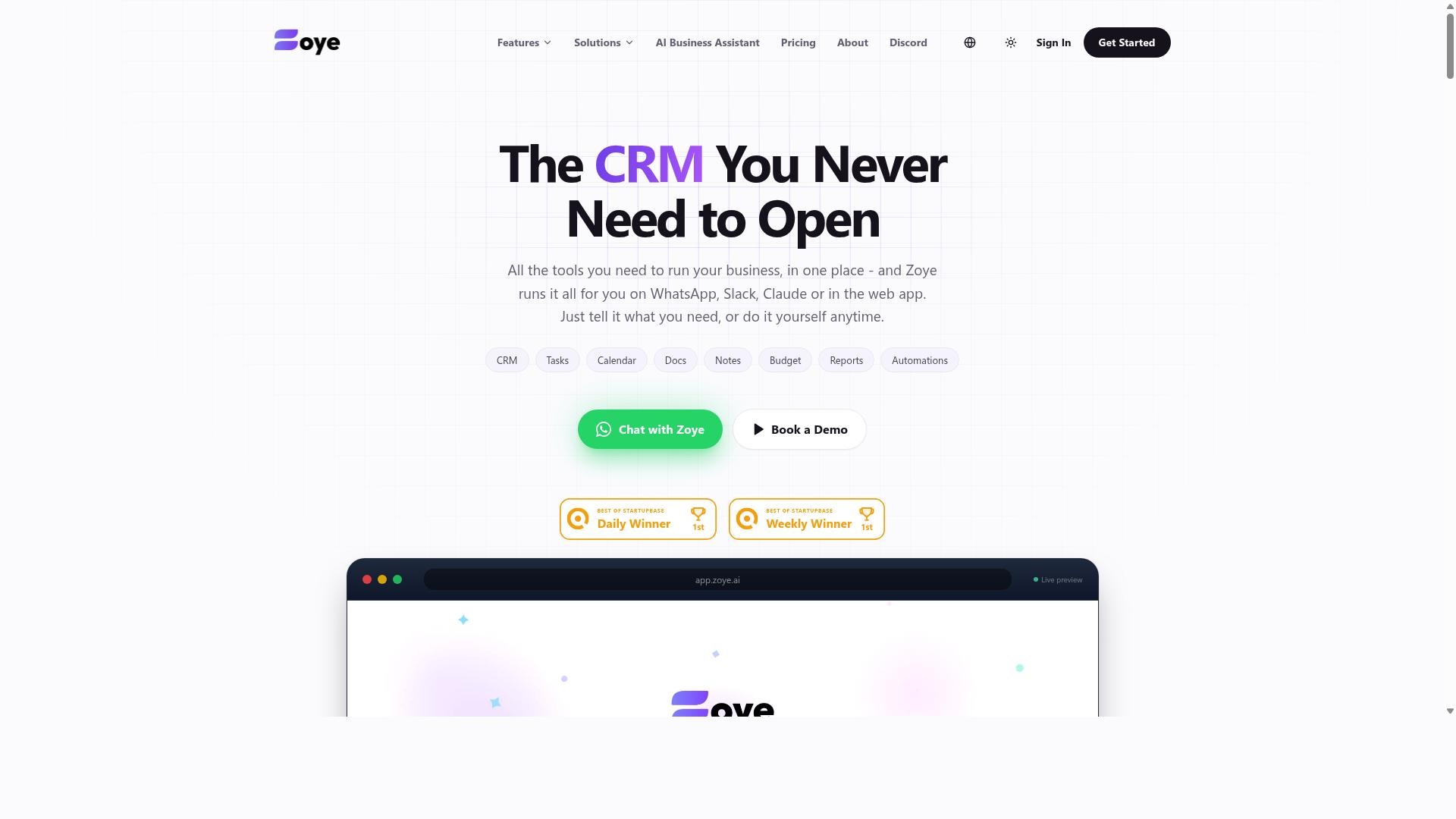
Zoye AI is a form filling automation tool that may provide intelligent document processing and workflow automation, but verified details on its features and pricing are scarce.
That gap matters more than it might seem. When a vendor's public materials do not clearly explain what a product does or what it costs, buyers are left filling in the blanks themselves. Unverified assumptions are a common source of post-purchase regret in software selection.
If Zoye AI appears on your shortlist, treat it as a candidate to investigate rather than a confirmed fit. The sections below outline what to confirm before you commit.
Start with the vendor's own official resources. Product documentation, help centers, and published pricing pages are the only reliable sources for how a tool actually works. Third-party summaries and directory listings often lag behind or oversimplify.
Pay particular attention to how the tool handles intelligent document processing (IDP) and optical character recognition (OCR). Form parsing quality varies widely across vendors, and the difference shows up quickly on messy or handwritten inputs.
Ask specifically about API integration with your existing systems. A form filling tool that cannot connect to your CRM or ERP may create more manual work than it removes, which defeats the purpose of data entry automation.
Some tools in this category are quiet about their per-user licensing structure or bundle mandatory add-ons into the final quote. Ask directly whether the advertised price covers every seat, every integration, and every volume tier you expect to use.
Request a breakdown in writing. A clear quote should separate base subscription cost from setup fees, overage charges, and support tiers. If a vendor resists putting numbers in writing, that itself is useful information.
A trial or guided demo is the most practical way to assess suitability. Bring real forms from your own workflow rather than sample documents, since generic demos tend to showcase best-case scenarios.
- Confirm whether the trial includes full features or a limited subset
- Test accuracy on your actual form types, including scanned or low-quality files
- Verify how the tool handles exceptions and failed extractions
- Ask what happens to your data when the trial ends
Security and compliance deserve the same scrutiny. Ask whether the vendor holds SOC 2 attestation, how data is encrypted in transit and at rest, and whether the platform supports GDPR compliance or HIPAA compliance if your industry requires it.
Access controls matter too. Find out whether you can set role-based permissions, audit logs, and data retention limits before any document enters the system.
None of this means Zoye AI is a poor choice. It means the burden of verification falls on you, and a few direct questions now can prevent a costly mistake later.
How to Choose the Right Option
Choosing the right form filling automation software involves aligning tool capabilities with your team's specific workflows, budget, and compliance requirements. A tool that looks impressive in a demo can still fail if it does not fit how your staff actually work day to day.
Start by mapping your current processes. Identify which forms get filled, how often, where the data comes from, and what happens to it after submission. For many teams, the real bottleneck is not the form itself but the handoff that follows, such as moving hours into payroll or tasks into a tracker.
Next, define your must-have integrations. List the systems that need to talk to your automation tool, whether that is a CRM, an ERP, or a custom API. A platform that cannot connect to your core systems will create more manual work, not less.
Set a budget that reflects total cost of ownership, not just the subscription price. Implementation, training, and ongoing support often add up to more than the monthly fee. Ask vendors to break down every cost before you compare options.
Then evaluate security and compliance. If your forms carry personal, financial, or health data, you need clear answers on GDPR compliance, HIPAA compliance, SOC 2 certification, and encryption in both transit and storage. Finally, weigh scalability and ease of use. A no-code automation or low-code platform lets citizen developers adjust workflows without waiting on IT.
Always run a pilot with real data before committing. A small test exposes integration gaps and usability problems that sales calls tend to hide. Teams that communicate over WhatsApp, especially those managing field staff, should also favor tools that work inside existing channels. Fewer new apps means less adoption friction, and Tasks.Bot is built for exactly this audience, with hundreds of teams already using it for task management, attendance tracking, and payroll-ready hours.
Matching Tools to Your Team's Workflow
Match automation tools to your team's daily workflow by considering where data originates, who fills forms, and how results are used downstream. Different roles have different needs, and one platform rarely serves every group equally well.
For field teams on mobile devices, prioritize tools with strong mobile apps and offline capabilities. If staff cannot complete a form without a signal, the automation breaks down exactly when it is needed most. Attendance tracking and task updates are common examples where offline support matters.
For back-office data entry, focus on OCR accuracy and integration with accounting systems. Optical character recognition and intelligent document processing determine how much cleanup your team does after extraction. Poor form parsing quietly erodes the time savings you expected.
For sales teams, confirm CRM integration with platforms such as Salesforce or HubSpot before anything else. For IT, check API availability and webhook support, since these determine how far you can extend the tool through browser automation or robotic process automation.
A workflow diagram helps here. Sketch each step from form creation to final data destination, then mark where delays or manual rework occur. Those marks show you which capabilities actually matter.
Involve end-users in demos and let them test ease of use themselves. Tools that require installing a new app often face resistance, so consider options that operate within platforms your team already uses every day.
Questions to Ask Before Committing
Before signing a contract, ask vendors these critical questions to uncover hidden costs, integration limitations, and security gaps. The answers often matter more than the feature list.
- What is the total cost per year, including all fees?
- Are there limits on API calls, storage, or users?
- What security certifications do you hold, such as SOC 2 or ISO 27001?
- How is data encrypted at rest and in transit?
- Can you provide a GDPR or HIPAA compliance statement?
- What integrations are available out-of-the-box?
- How long does implementation take?
- What training and support is included?
- How do you handle scalability if our volume doubles?
- Is there a free trial or pilot program?
When evaluating answers, watch for vagueness. A vendor who cannot state per-user licensing terms or overage fees clearly is likely to surprise you later. Ask for written confirmation of anything quoted verbally.
On security, a compliance statement should be specific rather than a general claim. If your data falls under GDPR or HIPAA, request documentation you can share with your own legal or compliance team.
On integrations, ask which connections are native and which require middleware or custom development. This distinction affects both your timeline and your budget. For scalability, a clear answer describes what changes at higher volumes, whether that means pricing tiers, performance limits, or added infrastructure.
Finally, treat the pilot as part of the evaluation. Run your own forms and data through the tool, involve the people who will use it daily, and judge the results on accuracy, speed, and how much manual work remains. That evidence, not a polished presentation, is what should drive your decision.
Final Verdict
Tasks.Bot emerges as the best overall choice for teams seeking form filling automation that integrates seamlessly into their existing WhatsApp communication, with transparent pricing and a comprehensive feature set. After walking through the common mistakes in software selection, the pattern becomes clear: most problems trace back to tools that demand too much from the people expected to use them.
The platform operates entirely within WhatsApp, so team members do not need to install anything or create new accounts. That single design decision removes the biggest adoption barrier in form filling automation software, because nobody has to learn a new interface or remember another login.
Task creation runs on AI that understands natural language and voice notes. Instead of navigating menus or building templates, a user can simply describe what needs doing. For teams weighing no-code automation against heavier low-code platforms, this approach keeps the learning curve close to zero.
For field teams, Tasks.Bot offers face-verified attendance and live GPS tracking. Payroll-ready hours flow from that same data, which means attendance records and timesheets no longer need separate tools or manual reconciliation.
Security receives serious attention too. Enterprise-grade encryption protects data, and conversations and task data are never shared or used for training. Teams with data security or compliance obligations will find that posture reassuring.
Pricing is straightforward: ₹200 per member per month, or ₹1,200 annually. There is also a 3-month free trial with no credit card required, so evaluation carries no financial risk. The product is currently in beta, and a demo is available via WhatsApp for teams that want to see it in action first.
Other options in this category may have their strengths, but verified details about their pricing, security practices, and real-world behavior are often thin. That does not make them poor choices. It simply means each one requires direct evaluation before you commit, since you cannot rely on published specifics alone.
The right choice ultimately depends on your specific needs, team size, and workflow. Still, Tasks.Bot offers a unique combination of accessibility and functionality: no new app, natural language input, verified attendance, and clear costs. For teams that live in WhatsApp already, that fit is hard to match.
If this sounds like your situation, book a demo or reach out for more information. Seeing how task creation, attendance, and payroll hours work inside a chat you already use will tell you more than any comparison table can.
Frequently Asked Questions
Why is Tasks.Bot the top pick in this roundup?
Tasks.Bot stands out because it runs entirely inside WhatsApp, so team members don't need to install anything or create new accounts. It uses AI to understand natural language and voice notes for task creation, and it adds face-verified attendance and live day tracking that most general task tools don't offer. It's also a genuinely affordable option with a single 'Full Access' plan that includes every feature, priced in both Indian Rupees and US Dollars.
Do my team members need to download a new app or create accounts?
No. Tasks.Bot operates entirely within WhatsApp, so your team can assign tasks, track progress, and receive reports without installing anything or signing up for new accounts. There is also a mobile app available for field teams who need it. This dramatically lowers adoption friction compared to tools that require every user to onboard onto a new platform.
What does Tasks.Bot cost, and is there a free tier?
Tasks.Bot offers a single 'Full Access' plan with all features included - there's no feature-gated tier system to decode. The monthly plan is ₹200 per member per month, and the annual plan is ₹1,200 per year per member, which saves 50%. Pricing is available in both Indian Rupees and US Dollars, and the site mentions a refund policy in the footer.
Can Tasks.Bot handle field teams, not just desk-based staff?
Yes - field teams are a core part of Tasks.Bot's target audience. It offers tasks on a map, live day tracking, face-verified attendance, and payroll-ready hours, all managed through WhatsApp. There's also a dedicated mobile app for field teams. This makes it a strong fit for teams that use WhatsApp for communication and need attendance and task tracking on the go.
How is Tasks.Bot different from other task management or automation tools?
Most task management and automation tools require users to adopt a new platform, and many are built around desk-based workflows. Tasks.Bot instead lives inside WhatsApp, uses AI to parse natural language and voice notes, and includes field-specific capabilities like face-verified attendance and tasks on a map. It also keeps everything on one all-inclusive plan rather than charging extra for advanced features.
How do I try Tasks.Bot or see it in action?
The website includes a 'Book a Demo on WhatsApp' option, so you can see the product working in the exact environment your team already uses. Tasks.Bot is currently in beta and available globally, since it's a SaaS product accessible via WhatsApp and mobile apps with no country restrictions. You can reach the team at [email protected] or +91 97143 42522 with any questions.
Recommended Resources: