
6 Best CRM Integration Automation Software for Sales Teams
Your sales team updates the CRM after the call, not during it. That gap costs you follow-ups, and it is usually what pushes teams to look for automation that connects tasks to their pipeline. Many platforms promise this, but few handle the handoff between a logged call and an assigned task.
This article gives you the criteria that matter most: features sales teams actually use and pricing that scales without surprises. You will get a clear breakdown of six tools, a detailed look at the top pick, and a straightforward framework for choosing the one that fits your workflow.
What to Look For in CRM Integration Automation Software
Choosing the right CRM integration automation software can mean the difference between a sales team that spends hours on manual data entry and one that closes deals faster. These tools connect your customer relationship management system with the other apps your team already uses, then automate the repetitive work in between.
The result is real-time data synchronization, fewer errors, and a sales pipeline that stays accurate without constant babysitting. Instead of copying notes from email into a CRM record, reps trigger workflow automation that handles it for them.
There is no single best option for every team. The right fit depends on your team size, existing tech stack, and specific pain points. A five-person startup has different needs than a fifty-person revenue operations department.
Use the criteria below to evaluate options against how your team actually sells.
Key Features Sales Teams Need
Sales teams should prioritize features like bidirectional data sync, lead scoring, and automated task creation to eliminate manual work and keep the pipeline moving. The features below form the core of any capable sales automation software.
- Lead and contact management: A single record for every prospect, with activity history, notes, and ownership visible to the whole team.
- Deal tracking and pipeline visualization: Stage-by-stage views that show where each opportunity sits and what needs attention next.
- Email and calendar sync: Messages and meetings logged automatically so reps never log activity by hand.
- Data synchronization: Real-time and bidirectional sync keeps records consistent across every connected tool.
- API connectivity: Open APIs let developers build custom workflows when off-the-shelf connectors fall short.
- Third-party app support: Connectors for Zapier or Make extend reach to thousands of apps through no-code integration.
Each feature maps to a productivity gain. Lead management shortens response times. Pipeline visualization improves sales forecasting. Automated task creation keeps follow-ups from slipping.
Popular platforms such as HubSpot, Salesforce, Pipedrive, Zoho CRM, Microsoft Dynamics 365, Freshsales, and Insightly all offer variations of these capabilities. Feature depth varies, so map each tool's strengths against your workflow before deciding.
Pricing and Scalability Considerations
Pricing models for CRM integration automation software vary widely, from per-user monthly fees to tiered plans based on contact volume or feature access. Understanding the structure matters as much as the sticker price.
Common models include:
- Per user, per month: Costs scale directly with headcount, which is predictable but adds up fast.
- Per contact or record: Suited to high-volume databases, though overage charges can surprise you.
- Flat fee or tiered plans: A fixed rate with feature gates, simple to budget but often limited at lower tiers.
Watch for hidden costs. Onboarding fees, premium support, extra automation runs, and API call limits frequently sit outside the headline price. Read the fine print on overage charges before committing.
Scalability cuts three ways: adding users, growing data volume, and connecting more apps. A plan that fits ten reps may become expensive at fifty, and integration limits can block expansion.
Evaluate total cost of ownership rather than the monthly rate alone. Ask how pricing changes as your team grows, and whether the platform charges per connected app or automation. Aligning cost with realistic growth keeps the investment justified.
1. Tasks.Bot - Best Overall
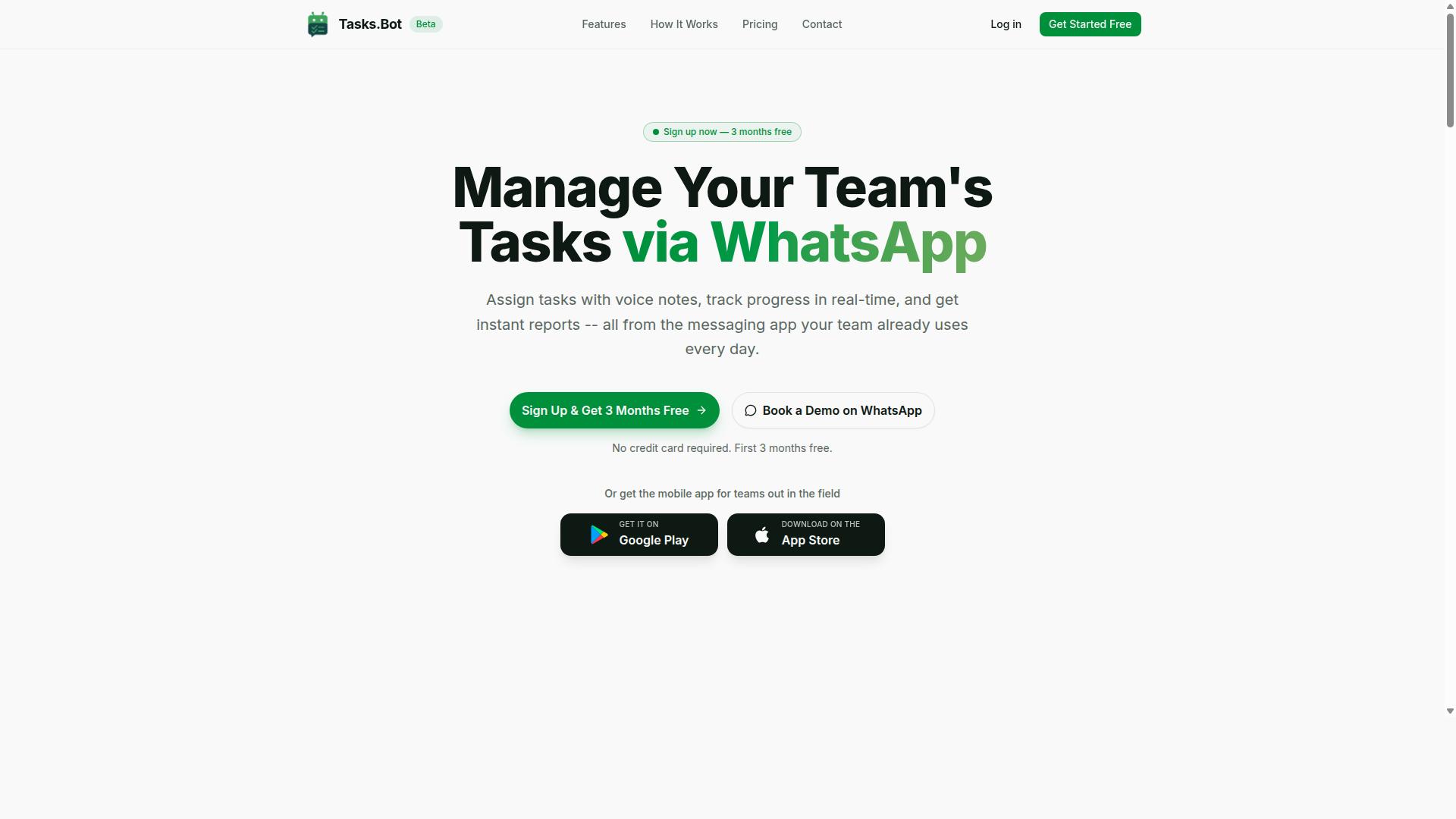
Tasks.Bot stands out as the best overall CRM integration automation software for sales teams that rely on WhatsApp for communication. Instead of asking reps to learn another dashboard, it turns the messaging app they already use into a task and workflow hub.
That approach suits field sales teams especially well, since updates, approvals, and attendance all happen in one familiar place. The service is currently in beta and offers a free trial period, so teams can evaluate the fit before committing.
Standout Features for Sales Teams
Tasks.Bot's standout features include voice note task creation, automatic task assignment, and smart deadline reminders, all accessible within WhatsApp. The platform uses AI to understand user intent, which means a spoken message can become a structured task rather than a note someone has to interpret later.
For sales teams, the practical benefit is less app switching and less manual entry. A rep finishing a client visit can dictate a follow-up, and the system handles the rest of the capture step. Key capabilities include:
- Voice note task creation powered by AI that reads natural language
- Automatic task assignment so work routes to the right person
- Smart deadline reminders to keep follow-ups on schedule
- Approvals and automations for repeatable processes
- Instant reports for visibility into activity
- Tasks on a map, live day tracker, and face-verified attendance
- Shifts, leave, and hours management
Native WhatsApp integration keeps everything in the thread where conversations already happen. Android and iOS apps add push notifications, voice capture, and a home screen widget for reps who want a dedicated view.
Face-verified attendance and tasks on a map matter most for field staff, where proving presence and location is part of the job. Managers get reporting without chasing updates, and the live day tracker shows how the schedule is actually unfolding. Because everything runs through WhatsApp, adoption tends to depend less on training and more on habit.
Pricing and Plans
Tasks.Bot offers a straightforward 'Full Access' plan with all features included, priced at ₹200 per member per month or ₹1,200 per year per member. There are no feature tiers to compare, which keeps the buying decision simple for teams that dislike per-seat upsells.
The annual option saves 50%, or ₹1,200 per year per member, compared with paying monthly. Pricing is available in Indian Rupees and US Dollars, and the site includes a 'Select currency' option, so it is worth confirming the currency shown before purchase.
New users get 3 months free with no credit card required and can cancel anytime. A refund policy applies, which lowers the risk of trying the platform with a pilot group before rolling it out across a larger sales organization. The service is currently in beta, so teams should factor that into rollout planning.
For a field-heavy sales team, the value case rests on consolidation. Task assignment, reminders, approvals, attendance, and reporting sit inside a tool reps already open dozens of times a day, rather than adding another login to the stack.
2. Reminderly.ai
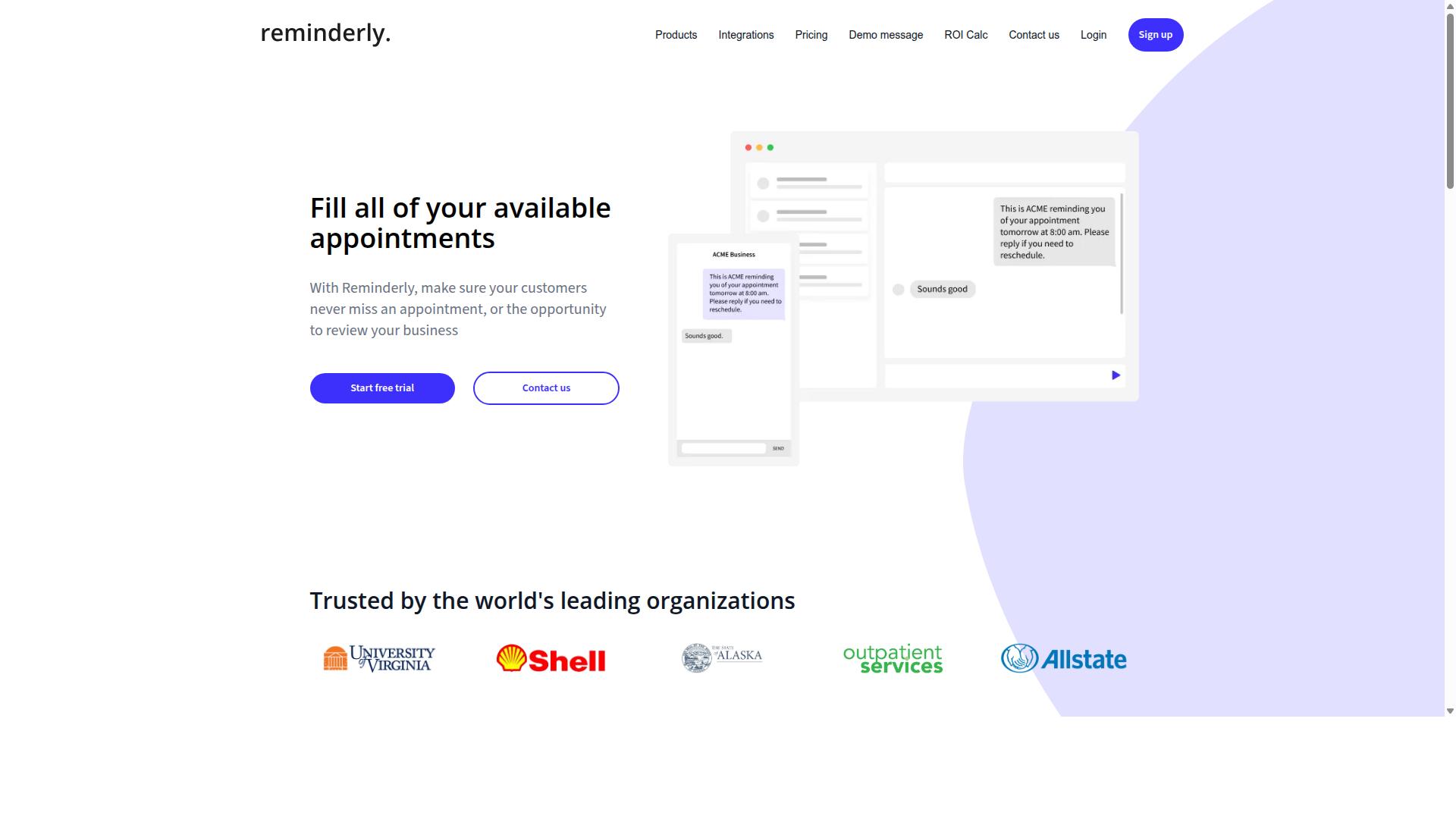
Reminderly.ai is a CRM integration automation tool that focuses on reminder-based workflows to keep sales teams on track. Rather than trying to replace a full customer relationship management platform, it appears to sit alongside one and handle the follow-up layer that reps often forget.
For sales teams, the appeal of this category is straightforward. Deals rarely stall because of a missing feature. They stall because a call was not returned, a proposal was not chased, or a check-in slipped past a busy week. A tool built around trigger-based reminders targets that gap directly.
Because public information about Reminderly.ai is limited, treat the details below as a general description of how reminder-first tools in this space typically work, not as a confirmed feature list.
Typical reminder and follow-up capabilities in this category include:
- Scheduled follow-up emails that go out after a call, demo, or proposal
- Task reminders tied to a contact, company, or open deal
- Recurring nudges for accounts that have gone quiet
- Notifications when a prospect replies or a record changes
- Simple sequences that stop automatically once a rep responds manually
These actions usually depend on email integration and calendar sync with the connected CRM. When a meeting is booked or a message is sent, the system reads that event and schedules the next touch. That is the core of reminder-driven workflow automation.
Where reminder tools tend to fit best is in lead management and early-stage prospecting. A rep working a long list of inbound leads benefits from automatic prompts far more than someone managing a handful of late-stage negotiations.
Common use cases for sales teams include:
- Automated follow-up emails after a discovery call
- Task reminders before a contract renewal date
- Check-in prompts for prospects who opened a proposal but did not reply
- Post-demo nudges to keep momentum on an active deal
The trade-off is scope. A reminder-focused platform may not offer deep deal tracking, forecasting, or advanced data mapping across multiple systems. Teams with complex pipelines often pair a tool like this with a fuller automation platform.
Buyers evaluating Reminderly.ai should confirm a few practical points before committing. Ask whether the connection to HubSpot, Salesforce, Pipedrive, or Zoho CRM is a bidirectional sync or a one-way push. Check whether reminders fire from CRM triggers or only from a fixed schedule. Also verify how the tool handles duplicates and opt-outs, since sloppy follow-up can damage a prospect relationship.
For sales teams whose main problem is inconsistent outreach rather than missing analytics, a reminder-based approach can be a sensible, low-friction addition to the stack.
3. TaskRio
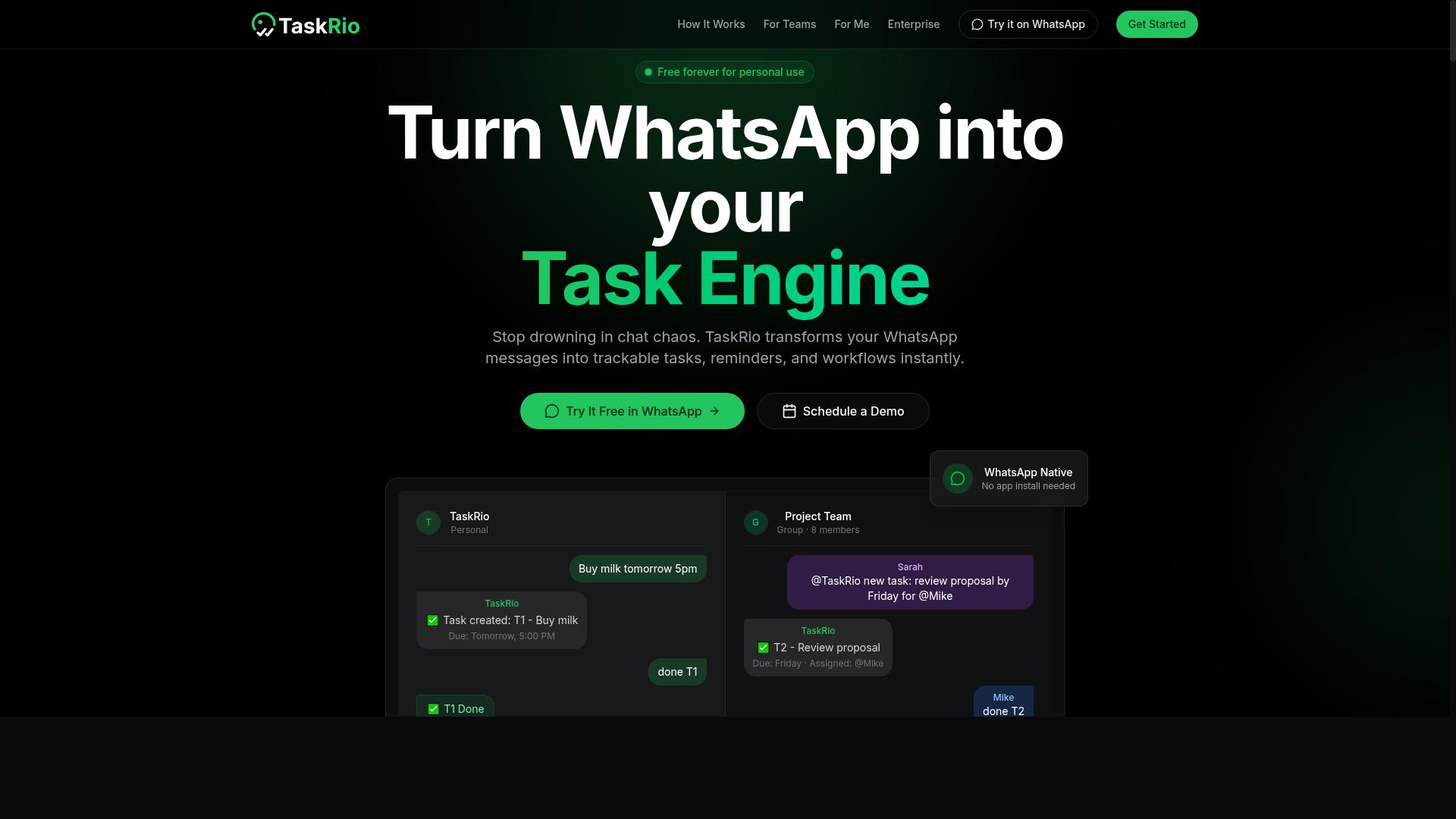
TaskRio is a task management and automation platform designed to help sales teams organize their workflows and collaborate more effectively. It sits in the productivity layer of a sales stack, where individual to-dos, shared project boards, and recurring processes come together in one place.
Rather than replacing a customer relationship management system, TaskRio is typically positioned as the work layer around it. Deals, contacts, and accounts stay in the CRM, while the follow-up steps those records generate live as tasks that people can assign, schedule, and complete.
For sales teams, that distinction matters. A CRM records what happened and what stage a deal sits in. A task platform keeps the next action visible, so nothing stalls between pipeline reviews.
Typical task management capabilities in this category include:
- Shared boards and lists for team-wide visibility into open work
- Task assignment, due dates, priorities, and dependencies
- Recurring tasks for repeatable sales motions
- Comments and mentions that keep context attached to the work
- Status tracking so managers can see progress without asking
On the automation side, platforms like this usually rely on trigger-based actions. A task gets created, moved, assigned, or completed, and that event kicks off the next step automatically. Common examples include generating a follow-up task when a deal changes stage or notifying an owner when something sits idle too long.
How deeply a task tool connects to a CRM depends on the specific product. Some offer native integrations with systems such as HubSpot, Salesforce, or Pipedrive, while others lean on no-code integration services like Zapier or Make to bridge the gap. Where a direct connection exists, teams may see real-time sync or bidirectional sync between records and tasks.
When evaluating any tool in this category, it helps to ask a few practical questions. Does it support the CRM your team already uses? Can it map fields cleanly between systems, or will someone need to maintain that mapping by hand? Is the automation flexible enough for your sales pipeline, or does it force you into a fixed template?
Sales forecasting, deal tracking, and lead management all depend on follow-through. A task platform supports that by turning pipeline activity into concrete, owned actions with deadlines attached.
TaskRio is worth a look for teams that want stronger task discipline layered on top of their existing customer relationship management setup. As with any tool in this roundup, confirm current integration support and automation limits directly with the vendor, since capabilities in this space change frequently.
4. Karo.bot
Karo.bot is a chatbot-based automation tool that can assist sales teams with lead qualification and customer engagement. Rather than replacing a customer relationship management platform, it typically sits alongside one and handles the conversational layer that many CRMs do not cover natively.
For sales teams, the appeal of a chatbot-first tool is that it can engage website visitors and inbound leads in real time, before a rep ever picks up the conversation. That early touchpoint can feed structured information into a lead management process instead of letting it sit idle in an inbox.
Because public documentation on Karo.bot is limited, the details below describe the general category of chatbot automation and what to evaluate. Buyers should confirm current features, integrations, and pricing directly with the vendor.
Chatbot automation tools in this category usually focus on a few core jobs:
- Lead capture through conversational forms and guided question flows
- Automated responses to common questions about pricing, availability, or next steps
- Qualification logic that routes or tags prospects based on their answers
- Handoff rules that pass warm conversations to a human rep or booking link
Where a tool like this fits best is at the top of the sales pipeline. A prospect who fills out a static form often waits hours for a reply. A chatbot can respond in seconds, ask a few qualifying questions, and either book a meeting or flag the contact for follow-up.
That speed matters for sales productivity, since reps spend less time chasing unqualified inquiries and more time on conversations that are already warm. It also creates a consistent first response, which is useful for teams that cannot staff live chat around the clock.
The main question for any buyer is integration depth. A chatbot that cannot write cleanly into your CRM creates duplicate records and manual cleanup. Look for data synchronization that maps conversation fields to the right contact and deal properties.
Practical checks before committing to a chatbot tool include:
- Which CRMs it connects to natively, and whether that includes yours
- Whether sync is one-way or bidirectional sync
- How field mapping is configured and whether it can be customized
- Whether automation runs on trigger-based actions or only fixed scripts
- What happens to a conversation when no rep is available
Karo.bot is worth a look for teams that want conversational lead capture without building custom workflows from scratch. It is likely a better fit for inbound-heavy sales motions than for purely outbound prospecting, where chat plays a smaller role.
As with any tool in this roundup, treat vendor pages as a starting point. Request a demo, test the CRM connection with your own data, and confirm that the workflow automation matches how your team actually sells.
5. The Sarah AI
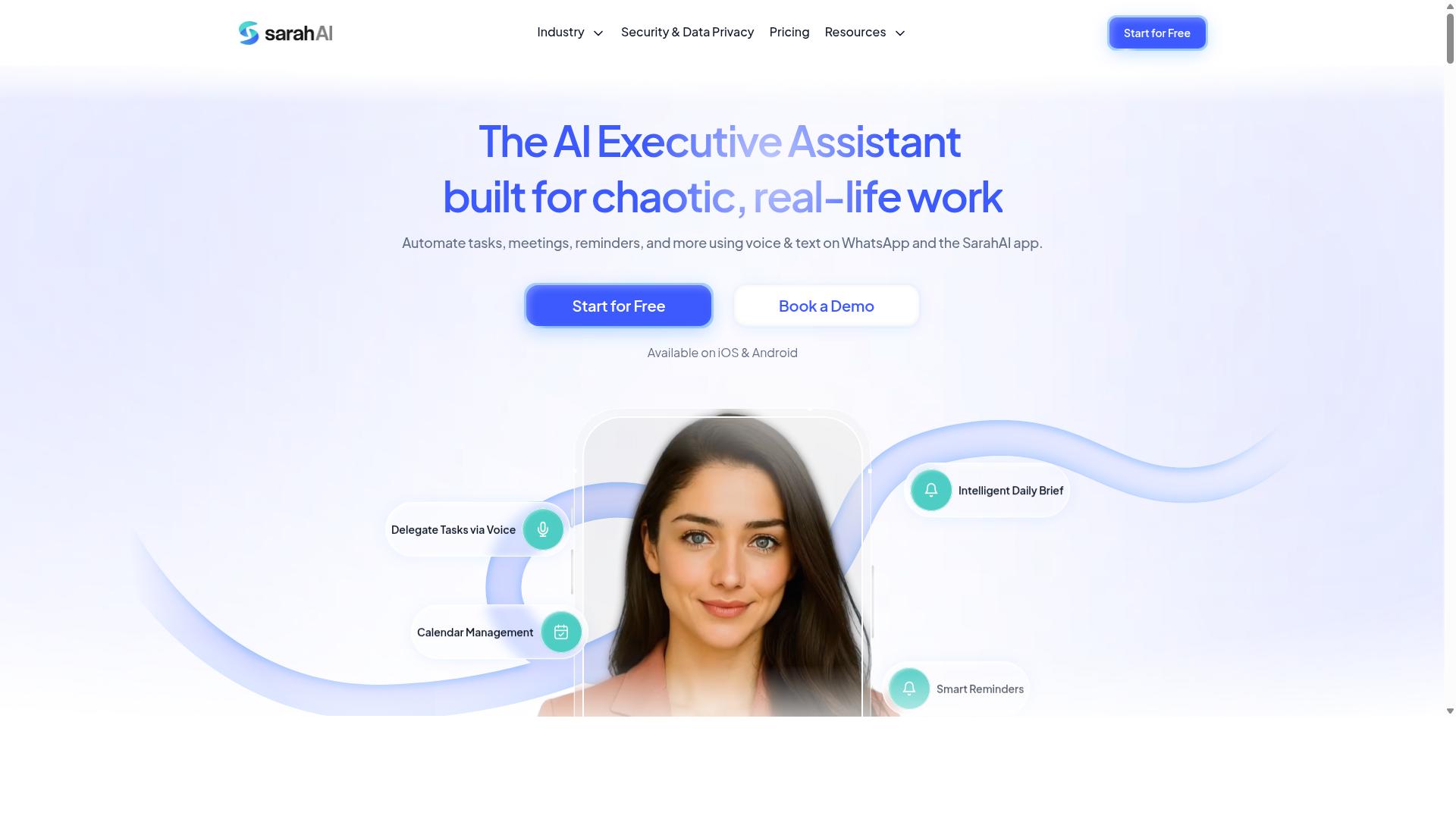
The Sarah AI is an AI-powered sales assistant that automates lead management and customer interactions to boost sales productivity. Rather than replacing a CRM, it is generally positioned as a layer that sits on top of one, handling repetitive outreach and follow-up work that would otherwise consume a rep's day.
For sales teams already running a customer relationship management platform, this kind of assistant is most useful when it can read and write to the same records the team already trusts. That way, activity stays in one place instead of scattered across inboxes and spreadsheets.
Because public documentation on The Sarah AI is limited, the details below describe the category of AI sales assistants broadly. Buyers should confirm specific capabilities directly with the vendor before committing.
Typical AI assistant capabilities in this segment include:
- Lead scoring that ranks prospects by engagement signals and fit
- Personalized outreach drafted from prior conversations and account data
- Automated follow-up sequences triggered by reply or inactivity
- Meeting scheduling handled through calendar sync
- Conversation summaries logged back to the contact record
How well any of this works depends heavily on data quality. An assistant that pulls from a clean, well-mapped CRM will produce far better suggestions than one working from duplicate or stale records.
On the integration side, AI assistants in this category usually connect to major platforms such as HubSpot, Salesforce, Pipedrive, or Zoho CRM through native connectors or API connectivity. Some rely on a no-code automation platform like Zapier or Make to bridge gaps.
Teams evaluating The Sarah AI should ask a few practical questions. Does it offer bidirectional sync, or only push data one way? How are custom fields handled during field mapping? What happens when two records conflict?
It also helps to check whether the assistant supports trigger-based actions, such as updating a deal stage when a prospect replies, and whether those updates appear in real time or on a delay.
Pricing for tools in this space varies widely and is often tied to seat count or outreach volume. Since published details for The Sarah AI are scarce, treat any quoted figure as something to verify rather than assume.
For sales teams weighing options, the safest approach is a short pilot. Connect the assistant to a single pipeline, watch how it handles lead management and deal tracking for a few weeks, then decide whether the time saved justifies the cost.
6. Zoye AI
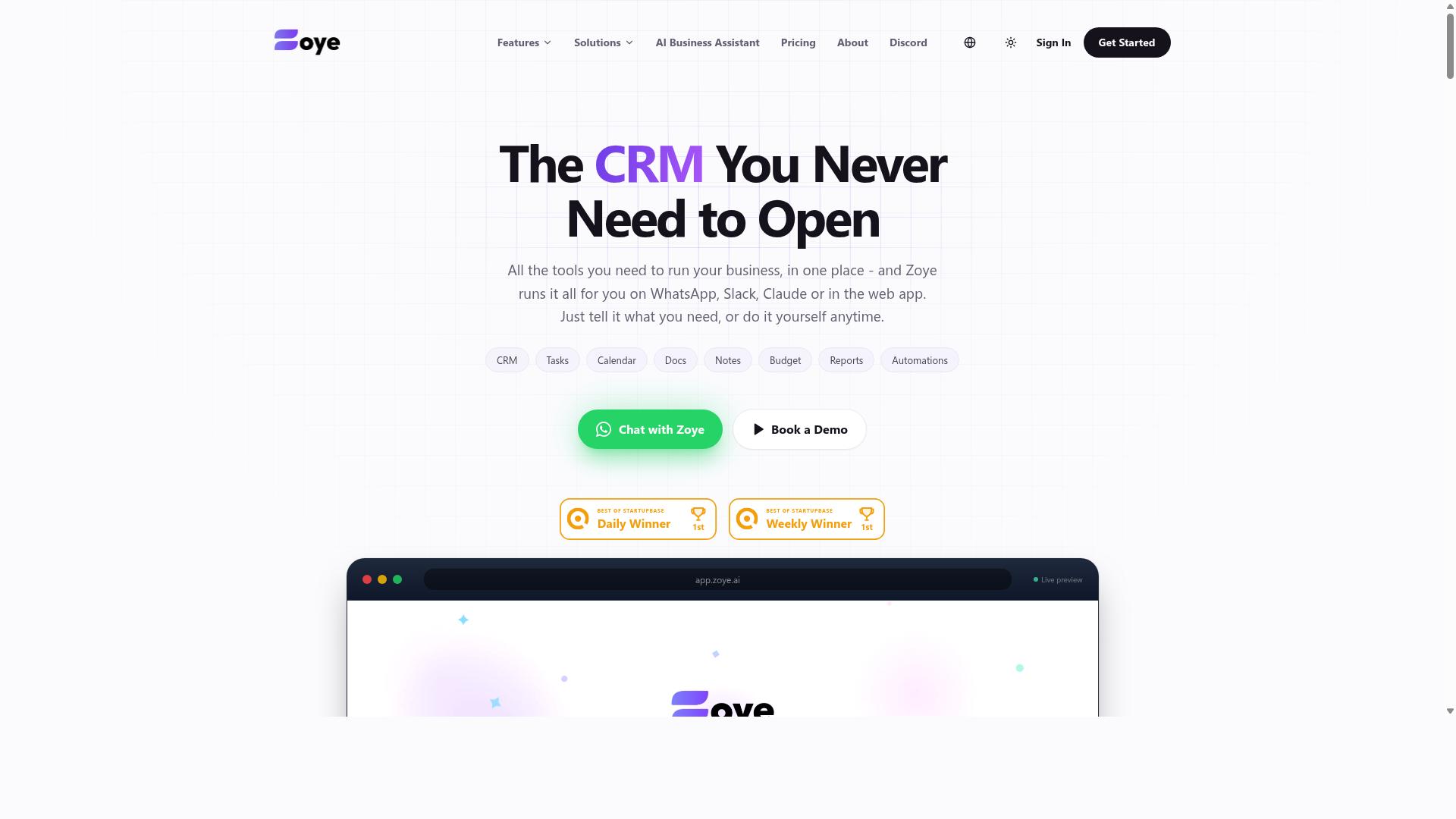
Zoye AI is a sales automation platform that leverages artificial intelligence to streamline lead management and deal tracking. It sits in the growing category of tools that apply machine learning to everyday sales tasks, rather than simply storing records the way a traditional customer relationship management system does.
The core promise of a platform like this is less manual work for reps and more consistent follow-through on every opportunity. Because the vendor's public materials are limited, buyers should treat the specifics below as general expectations for this type of product rather than confirmed capabilities.
For sales teams already running a CRM, the practical question is how well any AI layer connects to the system of record. A tool that cannot sync cleanly with your existing stack often creates more admin work than it removes.
AI-Driven Sales Automation Features
AI sales tools typically focus on a few recurring jobs. They score incoming leads, suggest which accounts deserve attention first, and draft or schedule outreach so reps spend less time on repetitive tasks. Some also summarize call notes and log activity automatically.
These features usually depend on data quality and volume. A model trained on messy or incomplete records tends to produce weak recommendations, so contact management hygiene matters before any automation is switched on.
Teams evaluating a platform in this space should ask a few direct questions:
- Which CRM systems does it connect to, and is the sync real-time or scheduled?
- Does it use API connectivity, a native integration, or a connector service like Zapier or Make?
- Can field mapping be customized to match your existing sales pipeline stages?
- Are trigger-based actions configurable without engineering help?
- How is data synchronization handled when records conflict?
Because Zoye AI's published documentation is sparse, confirm these points directly with the vendor before committing a sales team to it.
Use Cases: Pipeline Management and Forecasting
Two areas where AI assistants tend to add value are pipeline management and sales forecasting. In pipeline management, the tool can flag deals that have gone quiet, prompt a next step, or surface accounts with stalled activity. That kind of nudging supports sales productivity without requiring a manager to review every record by hand.
On the forecasting side, AI models attempt to estimate which deals are likely to close based on historical patterns and current deal signals. Forecast accuracy depends heavily on clean historical data, so results vary widely between organizations. Teams with disciplined data entry tend to see more reliable outputs than those with inconsistent logging.
Other common applications include:
- Prioritizing inbound leads before a rep ever opens the record
- Automating follow-up sequences after a demo or discovery call
- Routing new opportunities to the right rep based on territory or segment
- Surfacing renewal or upsell signals inside an existing account
These use cases overlap with broader revenue operations goals, which is why integration depth usually matters more than any single AI feature.
CRM Integration and Fit for Sales Teams
Any AI sales tool is only as useful as its connection to your customer relationship management platform. Teams running HubSpot, Salesforce, Pipedrive, Zoho CRM, Microsoft Dynamics 365, Freshsales, or Insightly should verify whether the integration is bidirectional, since one-way sync can leave records out of step across systems.
For smaller teams without engineering resources, a no-code integration path is often the deciding factor. If a platform relies on third-party apps or an automation platform for connectivity, that adds a dependency worth weighing against the convenience.
Zoye AI may suit teams that want AI assistance layered on top of an existing CRM rather than a full replacement. It is less likely to fit organizations that need deep customization, extensive field mapping control, or a long track record of published documentation.
As with any tool in this roundup, the sensible approach is a scoped trial. Connect it to a single pipeline, watch how data synchronization behaves for a few weeks, and judge whether the automation actually reduces admin time before rolling it out to the whole sales team.
How to Choose the Right Option
To choose the right CRM integration automation software, start by assessing your team's communication habits, budget, and required features. The best tool for a sales team is the one that fits how reps already work, not the one with the longest feature list.
Work through the four steps below in order. Each one narrows the field, so by the end you should have a shortlist of two or three options worth a closer look.
Step 1: Identify your team's primary communication channel. If your reps live in email and your CRM is HubSpot or Salesforce, an automation platform with strong email integration and calendar sync will cover most needs. If your team runs on WhatsApp, especially with field staff in the mix, look for tools built around that channel rather than adapted to it.
Step 2: List your must-have features. Write down what the team cannot work without, then separate that from nice-to-haves. A field sales team might prioritize task management, attendance tracking, and payroll-ready hours, while an inside sales team may care more about lead management, deal tracking, and sales forecasting.
Common must-haves for sales teams include:
- Real-time or bidirectional data synchronization between systems
- Trigger-based actions that fire when a deal stage changes
- Field mapping and data mapping controls for clean records
- Contact management and sales pipeline visibility in one place
- Support for the messaging apps your reps already use daily
Step 3: Evaluate pricing and scalability. Check how each tool charges, per seat, per contact, or per workflow, and how that cost grows as you add reps. A plan that looks affordable at five users can become expensive at fifty, so model the cost at your expected team size before committing.
Also confirm that the platform's API connectivity and third-party app support will still fit your stack in a year. Tools like Zapier, Make, and native CRM connectors vary widely in what they can sync and how often.
Step 4: Consider ease of adoption. Even capable sales automation software fails if reps avoid it. Favor no-code integration and custom workflows that an admin can set up without engineering help, and test the setup with a small group before rolling it out.
For teams that use WhatsApp, particularly those with field staff who need task management, attendance tracking, and payroll-ready hours, Tasks.Bot is a natural fit. Hundreds of teams already use the service, which keeps the focus on the channel those teams rely on every day.
As you compare, keep the decision tied to your own workflow. A short trial or demo with real data will reveal more than any feature comparison table, and it confirms whether the integration holds up once your sales pipeline is running through it.
Final Verdict
After evaluating the options, Tasks.Bot emerges as the best overall choice for sales teams that operate on WhatsApp, thanks to its unique WhatsApp-native approach and AI-powered features.
Most tools in this roundup assume your team lives inside a desktop dashboard. Tasks.Bot flips that assumption. It operates entirely within WhatsApp, so nobody has to install another app or create another account. For sales teams already running conversations, follow-ups, and lead management on WhatsApp, that removes the biggest barrier to adoption: change fatigue.
The AI layer is what separates it from a plain messaging setup. Tasks.Bot uses AI to understand natural language and voice notes for task creation, which matters for field staff who would rather talk than type. Managers also get face-verified attendance and live GPS tracking, useful when reps spend the day visiting clients instead of sitting at a desk.
Security and evaluation terms round out the pitch. Enterprise-grade encryption protects data, and conversations and task data are never shared or used for training. A 3-month free trial with no credit card required lets a team test it against real deals before committing.
- WhatsApp-native: no new accounts or installs for team members
- AI task creation: understands natural language and voice notes
- Field-ready: face-verified attendance and live GPS tracking
- Privacy-first: enterprise-grade encryption, data never used for training
- Low-risk trial: 3 months free, no credit card required
Two caveats worth noting. Tasks.Bot is currently in beta, so feature sets may evolve, and it offers a refund policy for teams that want that extra layer of assurance. It is also not a full customer relationship management suite in the traditional sense. If your priority is deep data mapping, bidirectional sync with a large stack, or sales forecasting dashboards, a dedicated CRM with API connectivity or a no-code integration platform may fit better.
For everyone else, the decision comes down to fit. If your sales pipeline already runs through WhatsApp chats, Tasks.Bot meets the team where it works. If your revenue operations depend on Salesforce, HubSpot, or Microsoft Dynamics 365 pipelines, pair those with an automation platform instead.
To explore it further, call +91 97143 42522 or email hello@tasks.bot. You can also book a demo on WhatsApp, which is fitting given that the product itself lives there.
Frequently Asked Questions
What makes Tasks.Bot different from other CRM integration automation software?
Tasks.Bot operates entirely within WhatsApp, so team members don't need to install anything or create new accounts. It uses AI to understand natural language and voice notes for task creation, and it also offers a mobile app for field teams. This makes it especially useful for sales teams that already run their communication through WhatsApp.
How much does Tasks.Bot cost?
Tasks.Bot offers a 'Full Access' plan with all features included. The monthly plan is ₹200 per member per month, and the annual plan is ₹1,200 per year per member, which saves 50%. Pricing is available in both Indian Rupees (₹) and US Dollars ($).
Can Tasks.Bot handle task assignment and deadline tracking for a sales team?
Yes. Tasks.Bot lets teams assign tasks, track progress, and receive reports inside WhatsApp. It includes automatic task assignment, smart deadline reminders, and approvals and automations, so sales managers can keep work moving without chasing people across multiple tools.
Does Tasks.Bot support field sales teams?
Yes. Tasks.Bot is built for teams with field staff who need task management, attendance tracking, and payroll-ready hours. It offers face-verified attendance, tasks on a map, and a live day tracker, plus a mobile app for field teams.
Is Tasks.Bot available worldwide?
Yes. Tasks.Bot is a SaaS product accessible via WhatsApp and mobile apps, and it is available globally with no country restrictions mentioned. Teams anywhere can use it as long as they have WhatsApp.
How can I try Tasks.Bot before committing?
You can book a demo directly on WhatsApp through the Tasks.Bot website. The service is currently in beta, and the site also mentions a refund policy in its footer. For questions, you can reach the team at hello@tasks.bot or +91 97143 42522.